
Scrolling through social media, checking messages, and clicking on links has become a part of our daily routine. In doing all this, many people have come across, if not fallen for, messages that seemed legitimate at first glance but turned out to be a scheme to scam.
It is either a message promising a job offer, a giveaway, or an urgent alert from a supposed institution; phishing attacks are becoming frequent and harder to detect.
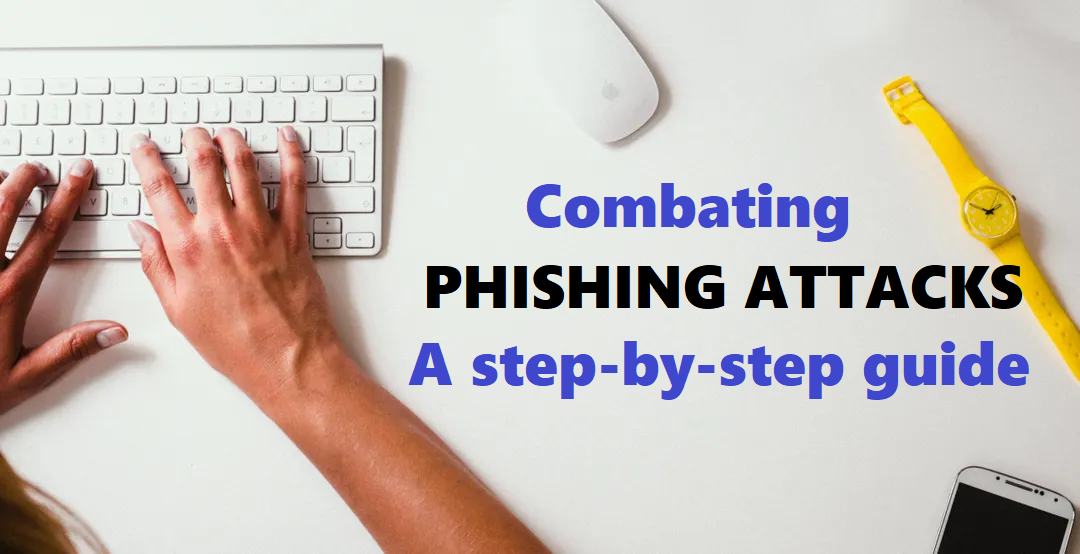
This report is aimed at helping you understand how these phishing attacks work, how to spot them quickly, and how to verify what is real and what is not to protect yourself and others from falling victim.
What is phishing?
Phishing is a common type of cyber-attack that targets individuals through email, text messages, phone calls, and other forms of communication, according to Proofpoint.
RelatedNews




Cloudflare defines Phishing as an attempt to steal sensitive information, typically in the form of usernames, passwords, credit card numbers, bank account information or other important data in order to utilize or sell the stolen information.
These phishing messages, or links, are designed to trick you into providing sensitive information or downloading harmful malware on your devices
They usually play on urgency, fear, or excitement.
For example, you may receive a message that says, “You have won a scholarship. Click here to claim your prize!” Or, “Your mobile money account has been suspended. Click this link to restore it immediately.” These tactics are meant to pressure you into acting without thinking.
These are a few red flags that often appear in phishing messages:
- Spelling and grammatical errors: Professional institutions usually do not send messages filled with typos.
- Suspicious URLs: Hover over the link (on a computer) or long-press (on mobile) to preview it. Look out for strange domains or extra characters, like “-, @, .biz, .co” etc., for example, momo-ghana.com.biz (is not a genuine link, do not click on it)
- Too-good-to-be-true offers: Free grants, scholarships, or lottery winnings you never applied for are likely scams.
- Urgent calls to action: Phrases like “Act now!”, “Click immediately!” or “Your account will be blocked!” are designed to rush you into making an avoidable mistake that you will regret.
- Generic greetings: Messages that do not mention your name and start with “Dear user” or “Customer” should raise concern.
- Look out for the “Forwarded many times” sign for malicious WhatsApp messages
Before clicking on any link or sharing information, always pause and ask yourself the following questions:
- Does this message make sense?
- Was I expecting this?
- Why is it urgent?
- Do I trust the source?
- Did I apply for this?
This is the core of critical thinking, stepping back and evaluating a message logically rather than reacting emotionally.
In addition to thinking critically, you can also use digital verification tools to stay safe:
- URL scanning websites, such as VirusTotal, can help check if a link is harmful.
- Reverse image search tools such as Google Images or TinEye help verify the originality of flyers or pictures attached to suspicious messages.
- Visit credible fact-checking platforms like GhanaFact.com to check whether the claim has already been investigated.
Here are some real examples from GhanaFact’s published investigations:
Mahama Development Grant Scam:
A viral WhatsApp message claimed former President John Mahama was giving GHS1,500 to Ghanaians via an online link. The site used state symbols to appear legitimate, but was flagged by VirusTotal as phishing.
GhanaFact found no official confirmation and debunked the claim as false. Read the full report here.
Decathlon Backpack Offer Scam:
A Facebook post alleged Decathlon Ghana staff could buy North Face backpacks for GH¢30.96 through a private link. During the investigation, the website opened to an unrelated blog and was marked malicious by VirusTotal.
Decathlon officially denied the offer and cautioned the public. Read the full report here.
Telegram “Photos of You” Scam:
A message circulated on WhatsApp and Telegram claiming “There are photos of you on the website.” The link, flagged as phishing by VirusTotal, used fear and curiosity to trick recipients.
GhanaFact confirmed the domain was suspicious and the message was a hoax. Read the full report here.
These cases highlight the importance of verifying before trusting.
To protect yourself and others, here are a few practical tips:
- Always confirm offers from the official website or verified social media handles of the organisations involved.
- Never share sensitive information such as your Ghana Card number, mobile money PIN, or bank details with platforms that you cannot verify.
- Ask a trusted friend, mentor, or fact-checking outlet when you are not sure of any information.
- Report suspicious messages to your network provider or the Cybercrime Unit of the Ghana Police Service of the National Cybersecurity Authority.
In a time where false information and digital threats spread as quickly as breaking news, digital literacy goes beyond basic internet skills. It requires the ability to question what you see, assess what you receive, and act wisely before clicking or sharing.
Phishing attacks thrive on trust and urgency, but with the right awareness and careful attention, you can avoid the trap. Staying informed is not just about protecting yourself; it is about building a safer online space for everyone.
Written by Samuel Nii Adjetey